
Blog
VR Full Body Tracking for Dance Streams and Avatar Clips
Jul
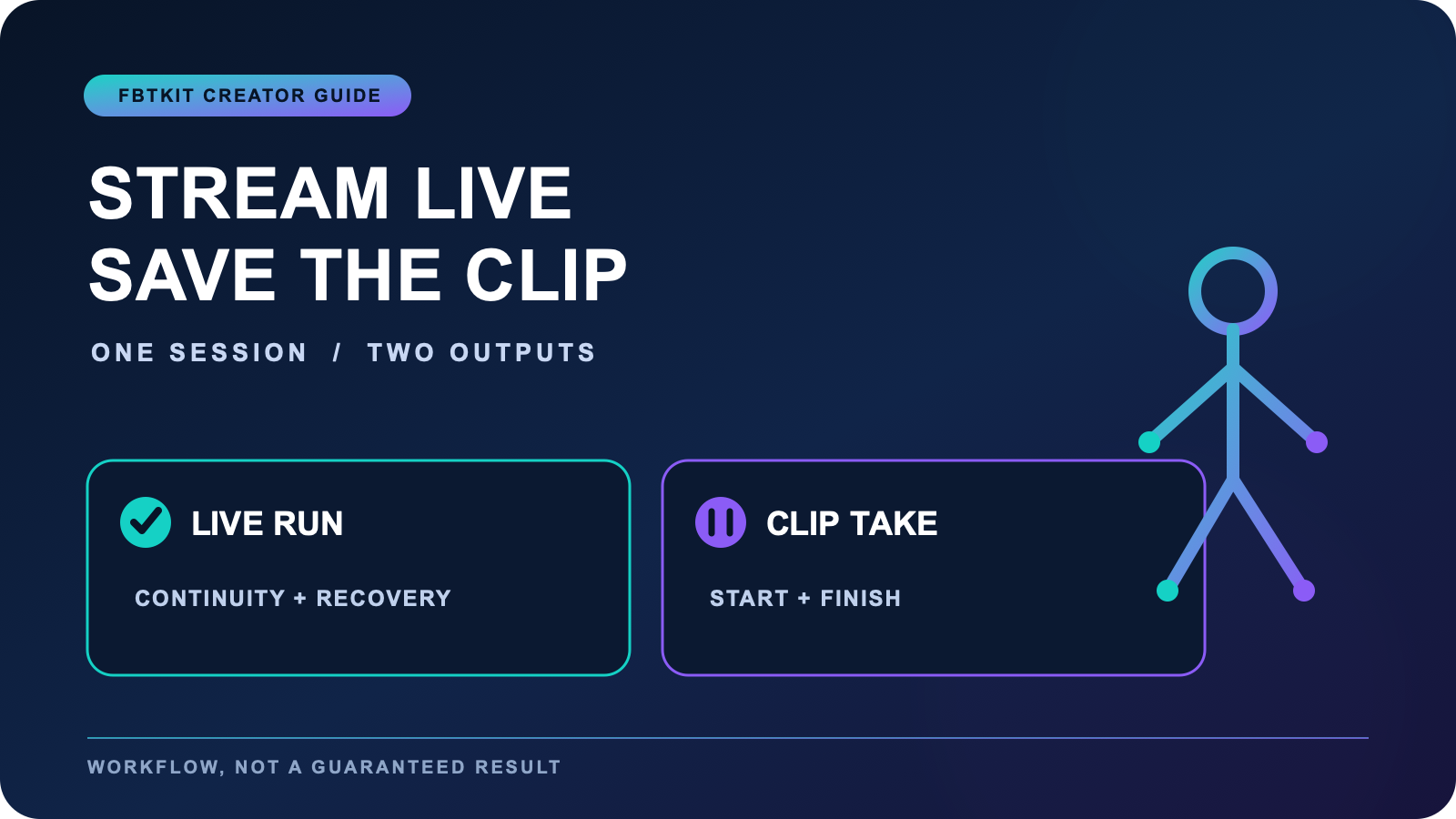
VR full body tracking can support dance streams and avatar clips, but the two outputs ask for different decisions. A live stream rewards continuity, readable framing, and a recovery plan when something looks wrong. A short clip rewards selective takes, tighter timing, and a clean ending. If you want both from one session, decide which output is primary before you put on the headset, then capture the secondary output without pretending the same take must do everything.
This guide is for creators who want a practical two-output session. It does not promise that tracking gear will make choreography, editing, or audience growth automatic. Use it to separate the live run from the reusable clip, protect your energy, and leave with files that have a clear purpose.
Choose the primary output before the session
Write one sentence at the top of your session note: “””The stream is primary””” or “””The clip is primary.””” When the stream is primary, choose movements you can repeat comfortably, keep pauses understandable to viewers, and accept that the recording may include normal resets. When the clip is primary, reserve your best energy for several short takes and treat any live portion as rehearsal or context.
Do not decide this from a vague goal such as “””make content.””” Name the finished item: a 30-minute dance stream with one complete routine, or a 20-second vertical clip with a clean opening and exit. The broader dance content planning guide can help when you are still choosing among platforms and deliverables.
Build a two-column run sheet
Use a small table with a live column and a recorded column. Put anything that must happen without interruption in the live column: welcome, warmup explanation, routine, and a planned closing. Put anything that benefits from selection in the recorded column: alternate camera angle, close ending pose, clean eight-count, and a silent safety take.
| Live stream | Reusable clip | Shared preparation |
|---|---|---|
| Readable full-body frame | Exact start and finish | Clear floor path |
| Recovery phrase | Two or three short takes | Avatar and tracker check |
| Viewer-facing pacing | Playback and file label | Comfortable movement range |
The shared preparation should be boring and repeatable. Follow a known setup and calibration workflow, then make the creative decisions separately. Recalibrating because a camera choice changed wastes attention and can make it difficult to tell whether a problem came from tracking or from presentation.
Rehearse transitions, not only choreography
A dance stream includes moments around the dance: walking into frame, checking position, starting audio, stopping, and recovering after a missed cue. Rehearse those transitions once. A clean transition keeps the avatar readable even if the choreography itself is simple. For a recorded clip, rehearse the first two seconds and the final pose because those are often where an otherwise useful take becomes awkward.
If your primary goal is an audience-visible rehearsal, use the dedicated streaming dance practice workflow. This page instead assumes you are coordinating a live output and a separate clip without letting either one quietly take over the whole session.
Use a private diagnostic pass
Before going live, record a short private pass that includes a turn, a side step, a controlled bend, and the largest movement in the routine. Watch the whole avatar rather than only the face. Check whether feet remain readable, the waist follows the intended direction, and the camera keeps the body inside the usable frame. This is a diagnostic, not proof that every later movement will be clean.
If the private pass looks wrong, isolate one variable. Check placement and calibration before changing overlays, camera, choreography, and network settings all at once. The stream presentation guide focuses on visual framing and live diagnostics. The VRChat dancer guide covers the broader dancer use case.
Capture the clip after a deliberate reset
When the live portion ends, do not immediately launch into the clip take. Take a short reset: check the room, confirm the avatar is still aligned, drink water, and restate the exact clip boundary. Record two or three short takes rather than one long sequence containing several attempts. A clear file boundary makes review faster and reduces the temptation to keep a weak take simply because trimming feels difficult.
For detailed home recording mechanics, including room marks, playback notes, and file handling, move to the home avatar clip capture guide. If the secondary output is VTuber or general avatar content rather than dance, the avatar content workflow is the more relevant next guide.
Review the two outputs with different standards
Judge the stream by continuity and clarity: could a viewer understand what was happening, and did you recover without turning every small issue into a crisis? Judge the clip by selection: does the chosen take have a clear beginning, readable movement, and an intentional ending? A stream can be successful even with visible resets. A clip can be useful even if it came from a session that was not broadcast.
Keep a short note after review. Record one tracking observation, one framing observation, and one change for the next session. Do not write a complete postmortem while tired. The note should make the next run easier, not turn the current session into a test you can fail.
Keep the gear decision separate from the content promise
Before buying, confirm that the route fits your headset, software, room, charging routine, and intended movement. Compare the current options and written package details on the FBTKit product page. A kit can support body input, but it cannot choose a concept, guarantee clean capture, or create an audience. Those remain workflow and creative decisions.
A sensible session ends with the primary output complete and the secondary output clearly labeled, even if the secondary file is only a test. That is more useful than forcing one performance to behave like a flawless stream, a polished clip, a rehearsal, and a product demonstration at the same time.
FAQ
Should I stream and record a polished dance clip in the same take?
Usually not. Choose one primary output, then capture the other with its own start, finish, and review standard. A live run values continuity, while a polished clip benefits from short selectable takes.
What belongs on a two-output dance session run sheet?
List the live segments, the separate clip takes, and the preparation they share. Include a private diagnostic pass, a recovery cue, a deliberate reset between outputs, and a file label for every recorded take.
How many clip takes should I capture after a dance stream?
Start with two or three short takes of the defined clip rather than one long recording of repeated attempts. Stop earlier if comfort, tracking, or room awareness declines.
Does full body tracking guarantee a good dance stream?
No. Tracking supplies body input, but choreography, framing, pacing, room safety, software behavior, and recovery choices still shape the stream. Test the complete workflow privately before relying on it live.
