
Jul
Full body tracking for VRChat dancers works best when you test the setup with the movements you actually plan to use. Pick a small proof set, secure each tracker before calibration, run those moves at a controlled pace, and repeat the shortest check after a break. This gives you a useful dance routine without pretending that one strap position, room, avatar, or calibration method works for everyone.
A neutral pose can look perfect while a repeated step makes a foot tracker rotate. A slow mirror check can hide a waist tracker that shifts during a level change. The goal is not to chase a flawless technical score before every song. It is to know which movements your current setup can reproduce consistently and when to pause instead of guessing in a busy room.
Choose a small move set before you join
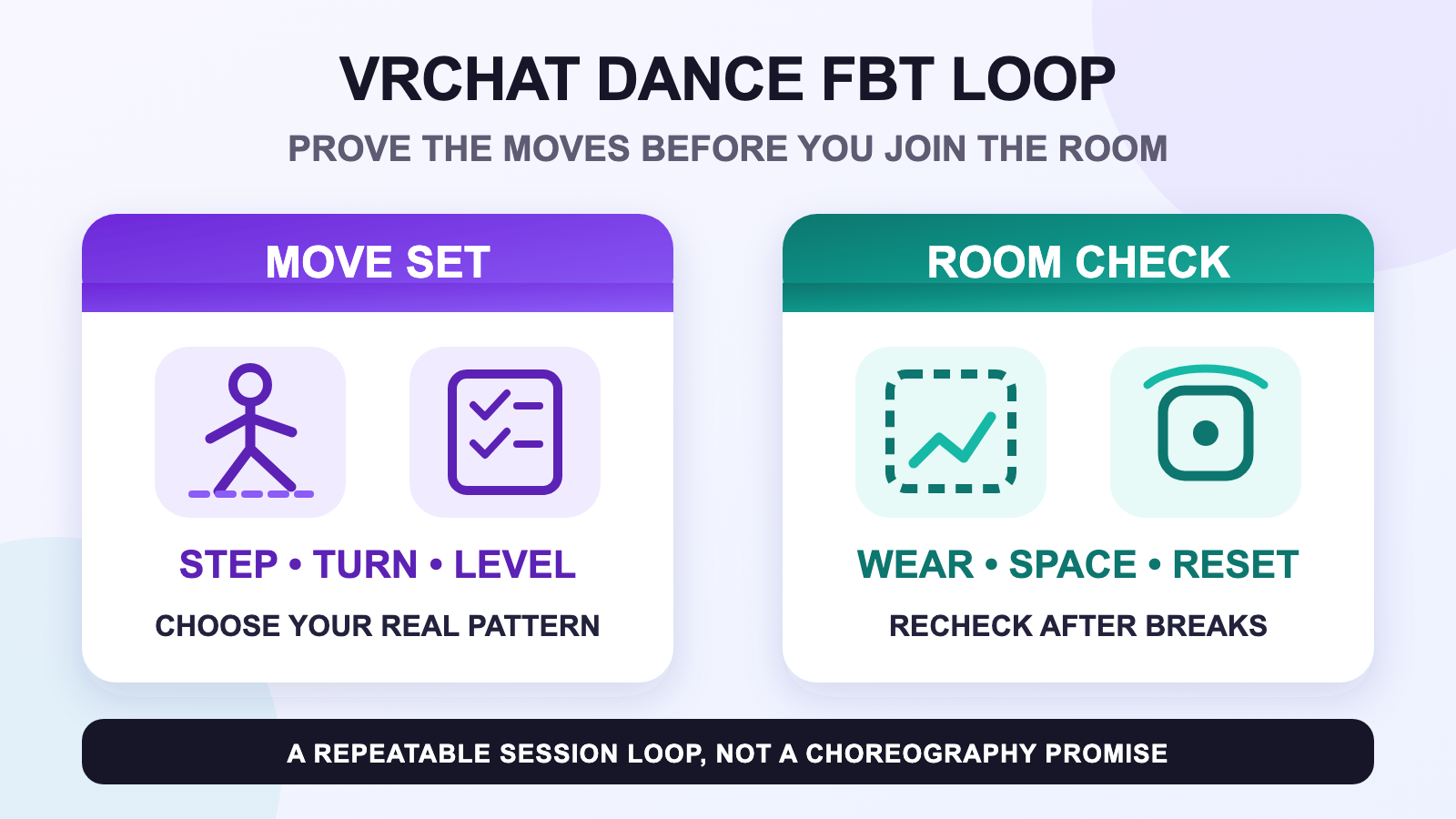
Start with three movement types that represent your real dancing. One might be a side-to-side step, another a turn, and the third a change in level that you already perform comfortably. They do not need to be difficult. They need to expose different parts of the setup. A repeated step checks the lower legs and feet. A turn can reveal a rotating strap. A controlled level change shows whether the waist, hip, and legs stay understandable together.
Run the same three moves each session. That makes the check comparable. If you replace the test every night, you cannot tell whether the setup improved or the movement simply became easier. This is a proof set, not a full rehearsal. Practice planning without a dedicated room belongs in the separate dance practice without a studio guide.
| Move type | What to watch | Useful response |
|---|---|---|
| Repeated step | Does a lower-leg or foot point slowly rotate? | Stop and inspect physical placement. |
| Controlled turn | Does the avatar recover to the same neutral stance? | Repeat once before changing anything. |
| Level change | Do hip, waist, and legs remain coherent? | Reduce the range if the room or body feels uncontrolled. |
Lock physical wear before calibration
Tracker roles and mounting orientation need to match where and how the trackers are worn. Official SlimeVR guidance also says a tracker should sit securely and move with the intended joint rather than rotating independently. Use the full body tracking strap placement guide to establish the whole-kit wear baseline. If a foot unit turns on the body, hand the problem to the foot tracker placement guide instead of recalibrating over a moving mount.
Secure does not mean painfully tight. Comfort, clothing, body shape, and movement style differ. Change one placement variable at a time and rerun the same proof set. A dancer learns more from one controlled comparison than from tightening every strap, changing the avatar, and recalibrating all at once.
Calibrate, rehearse, then enter the room
Once the physical setup is stable, follow the appropriate application and tracker documentation for calibration. VRChat’s current FBT documentation tells users to calibrate before use and warns them to avoid walking into walls or objects during the process. The beginner calibration routine keeps the detailed sequence out of this dance guide.
- Stand in the clear part of the activity space and complete the normal calibration route.
- Run the three-move proof set slowly enough to notice a physical shift.
- Repeat only the move that looked wrong. Do not rewrite the whole setup after one odd frame.
- Join the dance room only when the wear, room, and movement feel controlled.
A crowded world adds social pressure, but it should not change the gate. Friends waiting is not a reason to skip the room check. For coordinated entrances, shared spacing, and group-session preparation, use the group dance-world guide.
Use a session card for starts, breaks, and stops
A simple session card is more useful than a long list you will not read in the headset. Before the first song, confirm clear floor space, stable wear, and one successful proof set. After sitting down or adjusting clothing, repeat the shortest relevant move. Stop the dance block when the activity space, your balance, your comfort, or the equipment no longer feels controlled.
- Start: clear space, known clothing, correct roles, stable wear, proof set passed.
- Break: sit safely, follow headset guidance, then recheck anything that moved.
- Stop: pause for discomfort, disorientation, a slipping tracker, an uncertain boundary, or an obstacle in the activity space.
This is deliberately a narrow dance loop. For the complete room and stop-point discussion, use the active VR safety guide. Follow the current warnings for your own headset and application; a tracking kit does not make an unsuitable movement or room safe.
Separate room, avatar, and hardware symptoms
When a move looks wrong, name the symptom before changing anything. If the physical tracker rotated, start with wear. If the tracking point stayed fixed but one avatar alone behaves strangely, compare with a known-good avatar. If both avatars fail after the same break or room change, return to the physical and calibration baseline.
The order matters because dance combines several variables at once: repeated movement, clothing, an avatar, a social world, and limited attention. A specific note such as “right foot point rotated after the turn” is actionable. “Tracking was bad” is not. If the pattern remains unclear, use the full body tracking troubleshooting checklist and keep the tracker roles, failed move, avatar comparison, and physical shift in the report.
Finish with one next-session note
After the session, record one observation while it is fresh. Note the clothing, the move that exposed the issue, whether the tracker moved, and what single change you want to test next time. Do not redesign the entire setup while tired. Return the gear to its normal care routine and keep the next experiment small.
A modeled example makes the habit concrete: a dancer tests a step, turn, and level change before joining; pauses after a seated break; finds that only the turn now looks wrong; confirms one foot tracker rotated; fixes that physical placement; and reruns the turn. That is a decision sequence, not a claimed customer result or a guarantee that those three moves suit every dancer.
Build your dance routine around a known kit
Review the current FBTKit options for today’s included parts, variants, pricing, and setup notes, then decide whether the wear and calibration routine fits the way you dance in VRChat.
FAQ
What should a VRChat dancer test before joining a dance room?
Test a small set of movements that represents the session, such as a repeated step, controlled turn, and comfortable level change. Confirm clear space and stable wear before increasing speed or joining a busy room.
Should I recalibrate whenever one dance move looks wrong?
No. Repeat the same move once, check whether a tracker or strap shifted physically, and compare a known-good avatar when relevant. Recalibrate only after the physical setup is stable and the symptom points to the wider baseline.
How do breaks affect a VRChat dance FBT routine?
Sitting, changing clothing, or adjusting the headset can move part of the setup. After a break, rerun the shortest move that checks the areas you adjusted instead of assuming the pre-break result still applies.
Can one strap placement work for every VRChat dancer?
No. Body shape, clothing, comfort, tracker route, and movement style differ. Use official mounting guidance, change one placement variable at a time, and keep the position only when it remains stable and comfortable in your own proof set.
Does full body tracking make every dance move safe in VR?
No. Tracking does not make an unsuitable movement, crowded room, uncertain boundary, or uncomfortable session safe. Follow the current headset and application warnings, maintain a clear activity space, and stop when control is uncertain.
Official sources
Official sources were accessed on August 11, 2026. This guide does not claim a first-hand FBTKit dance test, medical outcome, safety guarantee, or universal VRChat performance result.
