
Blog
How to Make Full Body Tracking Look Better on Stream
Jul
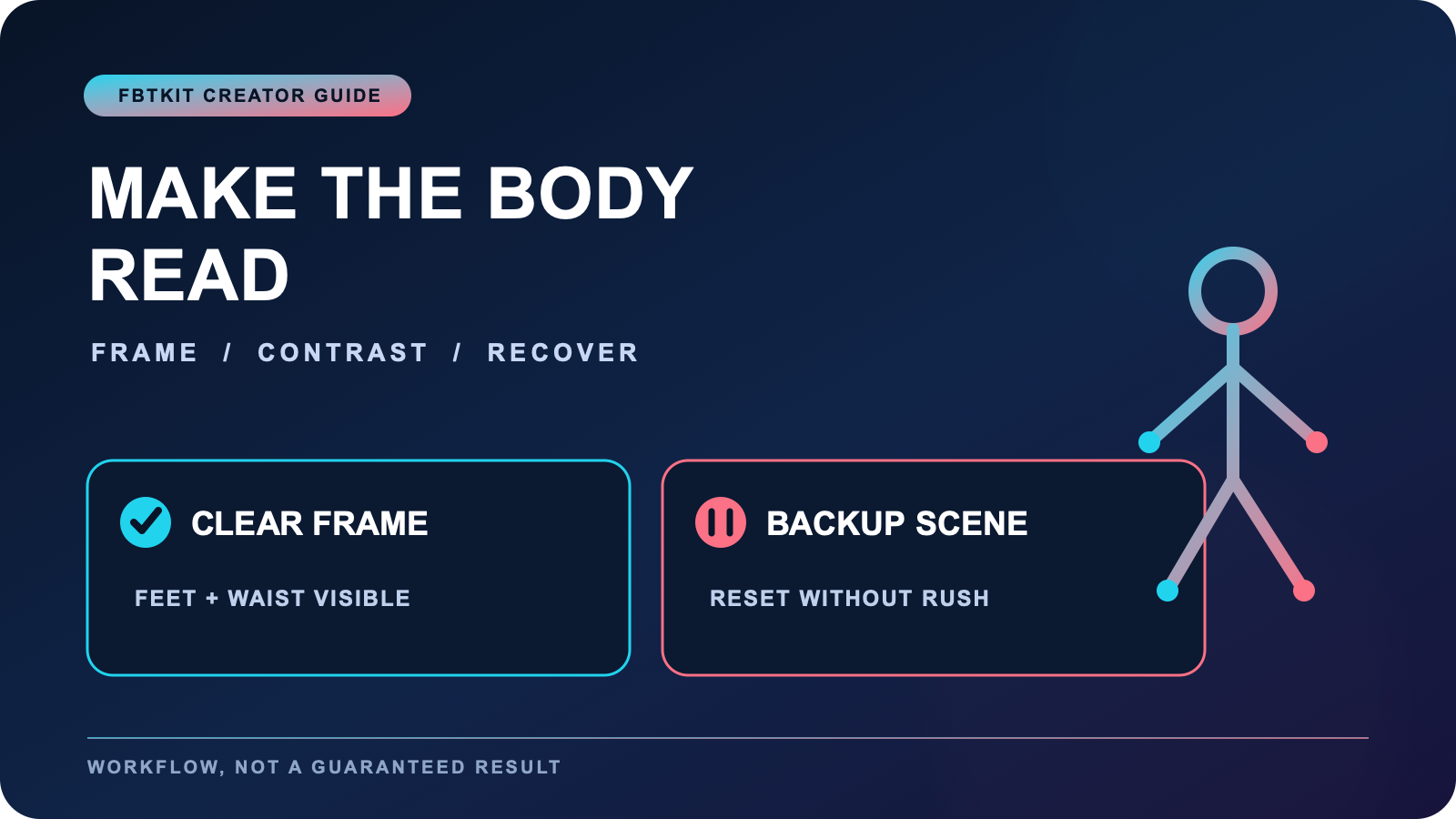
To make full body tracking look better on stream, improve what the viewer can read before adding more motion: leave space around the avatar, keep feet and waist visible when they matter, reduce overlay conflicts, and use a short live-preview test to isolate problems. Visual clarity is not the same as tracking accuracy. A cleaner frame can reveal body motion more clearly, while a technical fault still needs technical diagnosis.
This guide covers presentation inside a live scene. Dance rehearsal, clip capture, and content planning require their own workflows. The practical result is a stream scene and recovery routine that help viewers understand the avatar’s body without claiming a guaranteed improvement in engagement or tracking performance.
Start with a silhouette test
Open the exact scene you intend to broadcast and pause the avatar in three shapes: neutral stance, widest arm position, and lowest planned bend. Look at the silhouette at normal viewing size, not only in a large preview. The feet should not blend into the floor, the waist should remain distinguishable from the background, and important limbs should not disappear behind decorative elements.
Change background contrast, avatar scale, or camera distance one at a time. If the room or real movement boundary is the limiting factor, the lighting and room layout guide separates environmental considerations from on-screen composition.
Protect the body from overlays
Map the screen into a movement zone and an interface zone. Chat, alerts, captions, goals, and labels should not repeatedly cover the feet or waist during the main segment. Test the largest alert and the longest likely chat line, because an empty preview does not show what the scene will look like at its busiest.
If an overlay must cross the avatar, choose an area that does not hide the movement being featured. A footwork segment needs a clear lower frame. A character monologue may tolerate more information near the floor but still needs the torso and gestures readable. Save one stripped-down backup scene for recovery.
Use a live visual diagnostic
Record or locally preview a 20-second test through the same broadcast scene. Include a controlled turn, side step, bend, and brief hold. Watch for four different problem types:
- Frame problem: a body part leaves the camera view.
- Contrast problem: the body is present but hard to separate from the background.
- Tracking symptom: a body part drifts, jitters, or responds unexpectedly.
- Performance issue: the movement is technically visible but visually unclear.
These categories prevent you from “””fixing””” the camera when the tracker needs attention or recalibrating when an overlay is simply hiding the feet. Use the latency review or jitter checklist when the symptom is technical rather than compositional.
Keep one diagnostic camera
A moving or dramatic virtual camera can be useful, but it is a poor diagnostic tool. Keep one stable full-body view that can be selected before the stream and during recovery. The diagnostic camera should show enough floor reference to judge foot direction and enough margin to see whether the avatar is leaving frame.
Do not keep changing the camera during the same movement test. Repeat the motion first. If the body remains stable but presentation feels flat, then try a creative angle. This order separates “””is the body readable?””” from “””is the shot exciting?”””
Design a calm recovery scene
Prepare a scene that can cover a short tracking reset without forcing you to troubleshoot in the active movement area. It might use a closer avatar view, a static card, or a head-and-hands composition. Pair it with one sentence such as, “””I am checking the body setup and will return after a short reset.”””
If a body part stops responding, pause movement and use the full body tracking troubleshooting checklist. Do not rush through placement or software changes because the audience is waiting. A planned transition is safer and usually clearer than a frantic on-camera repair.
Match the scene to the program
A general chat stream, dance segment, roleplay scene, and instructional rehearsal need different framing. For a visible rehearsal process, use the streamed dance practice guide. This page assumes the program already exists and asks how its body presentation can become easier to read.
Create one scene note with avatar scale, camera name, overlay set, and the movement that was used in the preview. That note gives the next stream a known starting point. It does not prove the scene will behave identically after software, avatar, or room changes, so repeat the short preview when important inputs change.
Check the complete route before relying on it live
Tracking is only one part of the broadcast path. Verify the headset, tracking software, avatar, capture application, audio, network, and scene controls together in a private run. A clean tracker preview inside one application does not prove the viewer-facing scene is correct.
Before buying, compare compatibility and current written package information on the FBTKit product page. For a consistent base routine, keep the setup and calibration workflow separate from stream styling. Equipment can provide body input, but it cannot guarantee visual polish, software stability, or audience response.
FAQ
What is the fastest way to check whether an avatar reads clearly on stream?
View the exact broadcast scene at normal size and test a neutral stance, widest pose, and lowest bend. Check silhouette contrast, frame margins, feet, waist, and the largest overlay.
How can I tell a framing problem from a tracking problem?
Use one stable diagnostic camera and repeat the same short movement. A body part leaving frame is compositional; drift, jitter, or unexpected response while still visible points to a tracking symptom.
Where should stream overlays go during full body movement?
Place overlays outside the body area the segment needs to show. Test the largest alert and longest text state so feet, waist, and key gestures remain readable during busy moments.
What should a tracking recovery scene include?
Use a safe non-movement composition, a short prepared explanation, and access to a known troubleshooting routine. Set a limit for the reset, then change formats or end the movement segment if needed.
