
Blog
Full Body Tracking Gift Guide for VRChat Players
Jul
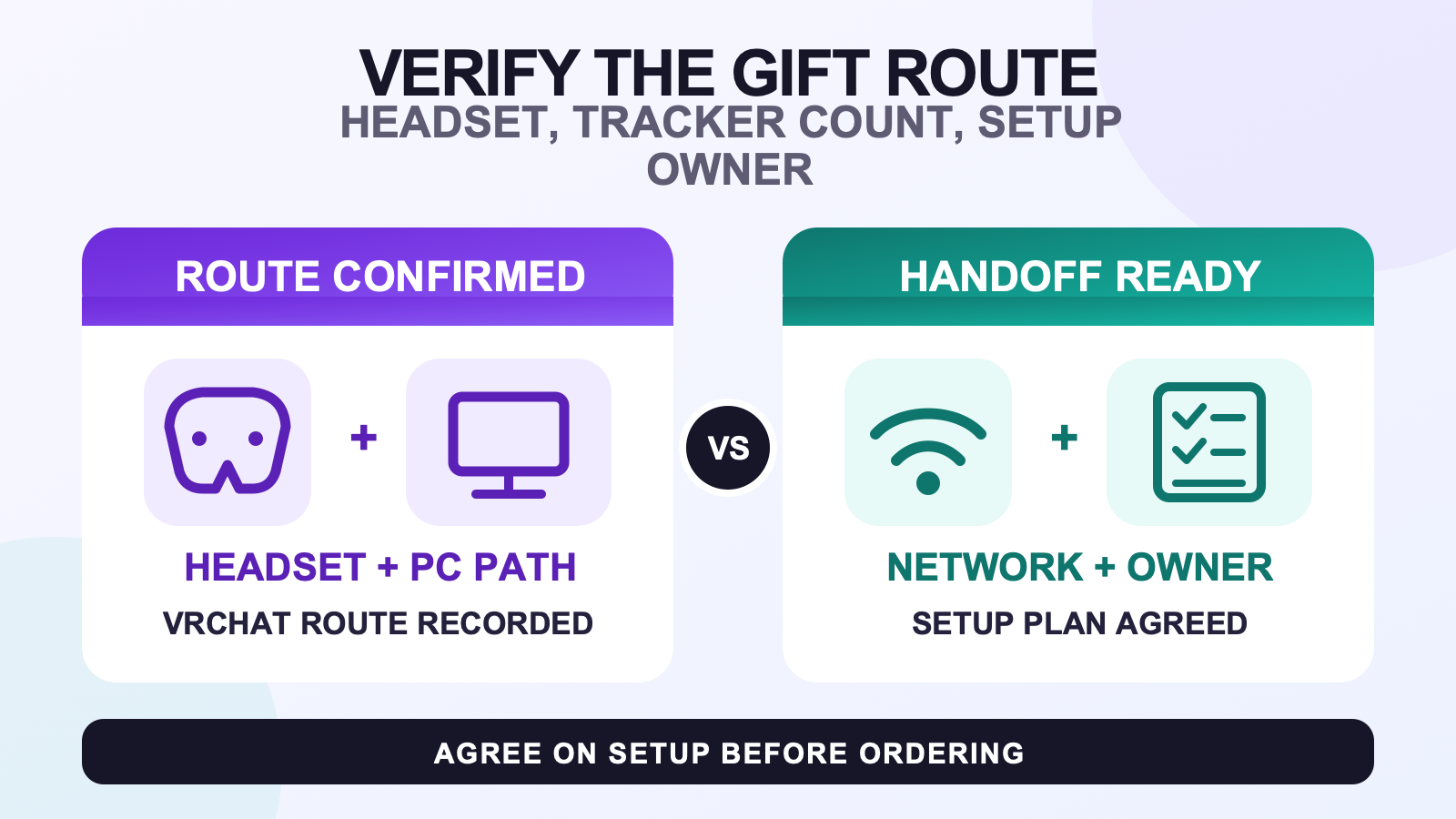
If you have already chosen full body tracking as a gift for a VRChat player, do not order until the recipient’s route is written down. Confirm how they run VRChat, the exact headset and PC path, what movement they want to represent, whether their network can be used during setup, and who will participate in configuration. A surprise reveal can still be personal, but the technical choices should not be guesses.
Use this readiness check only after the recipient has decided they want full body tracking. It does not try to prove that every VRChat player wants FBT, and it does not choose a tracker count for them. If those earlier decisions are still open, start with the category-neutral buying route or the VRChat buyer and setup route. Come back when the recipient has confirmed that FBT is the intended gift.
Verify six facts before placing the order
Use one shared note and let the recipient confirm each row. A model name copied from a photo, a friend’s memory, or an old shopping link is not confirmation.
| Record this | Evidence to keep | Stop condition |
|---|---|---|
| VRChat route | Standalone, PC-connected, or another route stated by the recipient | They are unsure how VRChat is currently running. |
| Headset and PC path | Exact headset model plus whether a suitable PC and SteamVR path are involved | You know the headset family but not the exact model or software path. |
| Movement goal | A short description of what the recipient wants their avatar to express | The only reason for a larger package is that more sounds safer. |
| Network access | Confirmation that Wi-Fi credentials can be entered during cooperative setup | No authorized person can provide access when trackers are connected. |
| Setup owner | Name the person who will install the required software and lead configuration | Everyone expects someone else to handle the setup. |
| Handoff plan | A reveal plan, delivery address, and first-setup arrangement without a promised date | The occasion depends on an unverified arrival estimate. |
A stopped row is useful. It exposes the question that must be answered before money and expectations are attached to a configuration. Do not replace the missing fact with a compatibility slogan or a best-selling option.
Write down how the recipient actually joins VRChat
Start with the application route, not the product. VRChat’s official full-body documentation describes the supported Lighthouse path and separates it from alternate methods. Its OSC tracker documentation treats OSC as an advanced route, not a universal plug-and-play switch. SlimeVR documentation also separates SteamVR and standalone VRChat setup paths.
Ask the recipient to describe one normal session from launch to avatar movement. Which device starts VRChat? Is a PC involved? Is SteamVR part of the session? Are they using a standalone path? Record their answer in their own words, then verify it against the current documentation. This prevents a familiar headset name from hiding a different software route.
If the recipient cannot answer, pause. The gift can remain a plan until the route is known. An unlisted device is not automatically incompatible, but it is also not automatically proven compatible.
Separate the headset model from the software path
The exact headset model and the way VRChat is running are two fields, not one. A product-family name may cover several models, and the same headset may be used through different application paths. Ask for the model as shown in the device settings or original order, then record whether the session is standalone or PC-connected.
Do not use a room photo, controller shape, or friend report as the final source. SlimeVR’s compatibility page organizes guidance by specific headsets and route. When a model is absent, gather more evidence instead of declaring it supported or unsupported. That distinction protects the surprise without turning uncertainty into a claim.
Let the movement goal lead to the count worksheet
Ask what the recipient wants to do, not how many devices they think sound impressive. Useful answers describe movement: casual social expression, dance practice, seated transitions, foot motion, or another defined routine. Write down the movements that matter and anything they do not want to wear or configure.
Then use the tracker-count worksheet to map a planned body-role set to a starting count. This gift guide does not recommend the largest option as insurance. SlimeVR’s configuration documentation also makes clear that physical trackers and virtual output trackers are not a one-to-one count, so the number printed in a selector is not the whole VRChat configuration.
The giver’s job is to preserve the recipient’s goal and constraints. The recipient should approve the count decision before the order is final.
Decide who will handle credentials and configuration
Official SlimeVR setup material includes installing the appropriate server path, entering Wi-Fi credentials, connecting devices, assigning trackers, mounting them, and configuring the body. Those steps require access and judgment. They are not details a giver should silently assume will sort themselves out after the box is opened.
Name a setup owner. In most cases the recipient should lead or actively participate because they control the headset, PC, network credentials, body assignments, and comfort choices. A giver can help read instructions, organize cables, label a shared worksheet, or stay available during the process. They should not ask the recipient to send Wi-Fi credentials in a gift note or disclose account information unnecessarily.
If another person will help, agree on their role before purchase. Confirm that the recipient wants that help and that the helper will be present when access is available. No one should promise a finished configuration without the route, credentials, and wearer.
Make the first setup a cooperative handoff
Do not treat preconfiguration as a shortcut unless the recipient has confirmed the route and consented to the required access. A setup prepared against the wrong software path or body assignment creates more work at the reveal.
Use the complete setup and calibration workflow for the configuration sequence. Keep the after-delivery setup checklist with the gift so the recipient can verify the physical handoff before connecting anything. Plan a session in which the recipient can wear the trackers, approve placement, enter credentials privately, and test their own normal VRChat route.
The first session is for following the documented process and discovering route-specific questions. It is not proof of a promised setup time, tracking result, or performance level. Record any unresolved issue instead of improvising a universal fix.
Plan delivery without promising an occasion date
Separate the emotional reveal from physical arrival. The current shipping policy says timing can vary with destination, carrier, customs, order volume, and local conditions. Choose an accurate delivery address and leave enough flexibility for those variables. Do not tell the recipient that a package will arrive by a birthday or event unless the carrier has actually provided reliable, current evidence.
Read the refund policy before ordering, but do not predict an outcome for a future case. If the occasion comes first, reveal the shared FBT plan and the confirmed setup worksheet. If you have not yet confirmed FBT itself, use the broader birthday ideas instead of forcing a technical purchase.
Check the current package after the route is settled
Only after every readiness row is confirmed should you open the current FBTKit product page. On August 11, 2026, its selector showed 5, 6, 8, and 10 tracker options. Recheck that live selector when ordering, then use the current kit contents check to verify the package description. The page may change, so this article does not freeze price, inventory, included quantities, or delivery.
FAQ
Can I choose an FBT gift without knowing the recipient’s VRChat route?
Do not choose the technical configuration yet. Ask the recipient whether VRChat runs standalone, through a PC and SteamVR, or by another documented route, then record the exact headset model separately. Keep the surprise in the reveal, not in an unverified application path.
Does the package tracker count equal the number of VRChat tracking points?
No. SlimeVR documentation distinguishes physical trackers from virtual output trackers, so the numbers are not a one-to-one concept. Use the recipient’s movement goal and the dedicated count worksheet, then configure body roles for the confirmed software path.
Can I configure the trackers before giving the gift?
Only when the recipient has confirmed the headset route, approved the plan, and arranged authorized access to the required network and devices. Otherwise, keep the gift unconfigured and schedule a cooperative first setup with the recipient present.
What should the recipient confirm about their network?
Confirm that the chosen setup location has Wi-Fi access and that an authorized person can enter the credentials while the trackers are connected. The recipient does not need to publish or send those credentials to preserve the surprise, and this guide does not prescribe a router band or setting.
How should I plan the handoff if delivery timing is uncertain?
Separate the reveal from the arrival date. Give the recipient the confirmed route, movement goal, and shared setup plan, then follow current carrier information and site policies for the physical order. Do not promise that an estimate will meet a birthday or event.
Official sources and evidence limits
- VRChat full-body tracking documentation
- VRChat OSC tracker documentation
- SlimeVR compatibility routes
- SlimeVR initial setup
- SlimeVR tracker connection workflow
- SlimeVR physical and virtual tracker configuration
Official documentation, product facts, and site policies were checked on August 11, 2026. No first-hand gift outcome, universal compatibility result, setup duration, delivery result, price, or performance claim is made.
