
Jul
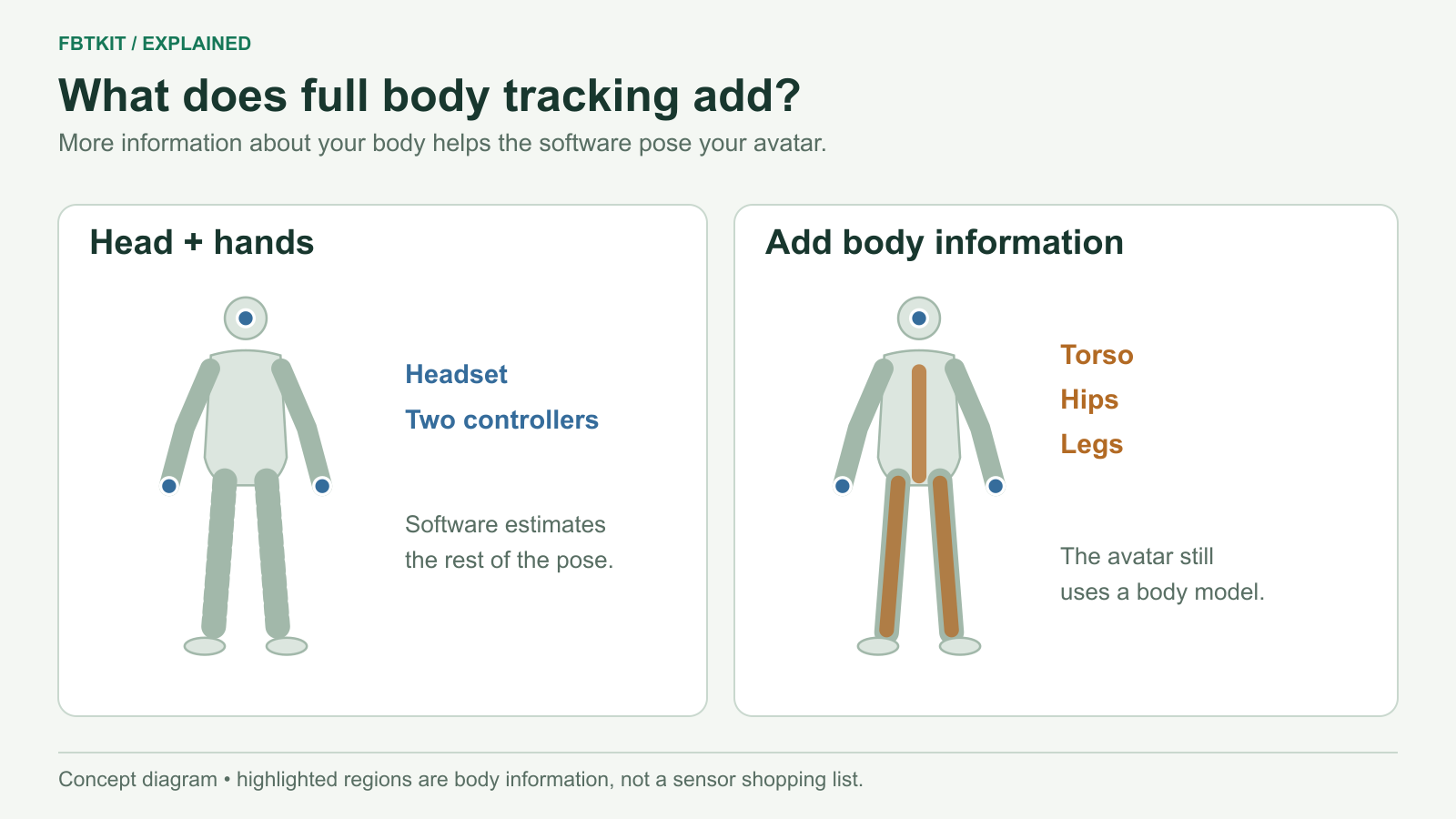
Full body tracking, or FBT, adds information about your body beyond the head and hands normally supplied by a VR headset and two controllers. In a supported app, that extra information helps an avatar follow movements such as bending a knee, turning your hips or moving your feet.
“Full body” does not mean every joint is directly measured. The software combines the available tracking information with a body model. The number and placement of sensors, the tracking system and the avatar all affect what the result can represent.
What changes when you add body tracking?
With only head and hand information, software has to make assumptions about much of the rest of your body. Your head can move down because you bent your knees, leaned over or sat down. The same head position does not describe those poses completely.
Body tracking supplies additional clues. Hip information helps describe the pelvis; leg information helps describe how your legs bend; foot orientation helps show where your feet point. Which clues are measured directly, and which are calculated, depends on the system.
| Body information | What it helps describe | What to check when buying |
|---|---|---|
| Head and hands | Where you look and where your hands are | Your existing headset and input method |
| Chest and hips | Torso and pelvis movement | Whether the system measures them separately |
| Upper and lower legs | How the legs bend and turn | Where sensors are worn and how the software calculates knee and foot positions |
| Feet | Foot direction and tilt | Whether independent foot orientation is included |
| Upper arms | Arm movement beyond hand position | Whether the receiving app uses that additional information |
This is a description of body information, not a universal placement chart. For a SlimeVR kit, use the specific role and placement guide.
How do tracking systems get that information?
Inertial sensors and a body model
SlimeVR uses inertial measurement units, usually shortened to IMUs, to measure rotation. Its software uses those rotations and your configured proportions to calculate a body pose. The headset provides a position reference in the usual VR setup. This approach does not require Lighthouse base stations. See SlimeVR’s introduction for its explanation.
That is why wearing a sensor on the correct body part matters. If the software expects an upper-leg sensor but you move it to your foot, it interprets the motion incorrectly. Strapping it on securely, assigning its role and setting its mounting orientation are all part of setup.
Trackers measured in a base-station space
VIVE Tracker 3.0 uses sensors that receive signals from SteamVR base stations. The application receives the device’s tracked pose and uses it for the assigned body location. This requires compatible base stations and suitable coverage; see HTC’s Tracker 3.0 requirements.
Both approaches give the app information to work with. They do not attach a physical sensor to every bone of the avatar. The SlimeVR and VIVE Tracker 3.0 comparison explains the practical equipment differences.
Why “six trackers” can mean different things
Three terms often get shortened to the same word:
- A physical tracker: a device you wear, which may have its own battery and wireless connection.
- A sensor: the measuring component. A SlimeVR extension adds a sensor at another body location without needing another complete wireless device.
- A software tracking point: a body reference sent to an app. Software can calculate this point from more than one sensor.
So a headset plus two controllers gives three familiar VR inputs, but that is not the same purchase as three additional body trackers. A kit advertised with eight sensors also does not necessarily contain eight separately powered wireless units.
For a concrete comparison of five, six, eight and ten SlimeVR sensor configurations, including which locations are added, read how many trackers you need. Check the seller’s actual package breakdown as well as the headline number.
Does every VR game support it?
No. The app must accept the tracking information and know how to use it. A headset that works with a tracking system does not make every app on that headset compatible.
VRChat, for example, documents additional body tracking and an OSC input interface. Its avatar system uses inverse kinematics, or IK: software that fits an avatar’s joints to the available tracking information. VRChat’s IK options affect that avatar movement.
Calibration aligns your tracking setup with the avatar. The avatar’s limb proportions and rig also matter, as described in VRChat’s rigging guidance. If only one avatar behaves strangely, check the avatar before concluding the sensors are faulty.
How to start choosing a kit
- Name the app you want to use. For VRChat, decide whether it will run on a PC or directly on your headset.
- List what you already own. Include your computer, headset, network equipment and any base stations.
- Choose the body movement that matters. Separate basic lower-body movement from additional hip, foot or arm information.
- Compare complete setups. Include accessories and the time needed for placement and calibration.
Continue with the buying guide or the VRChat setup comparison. You do not need the largest kit to learn what FBT adds; you need a configuration that fits your app and the movements you want to represent.
Technical documentation checked September 29, 2026. The illustration explains the concept; it is not a hardware test or a promise that every movement will be reproduced exactly.
