
Blog
How to Keep FBT Gear Ready for Spontaneous VR Sessions
Jul
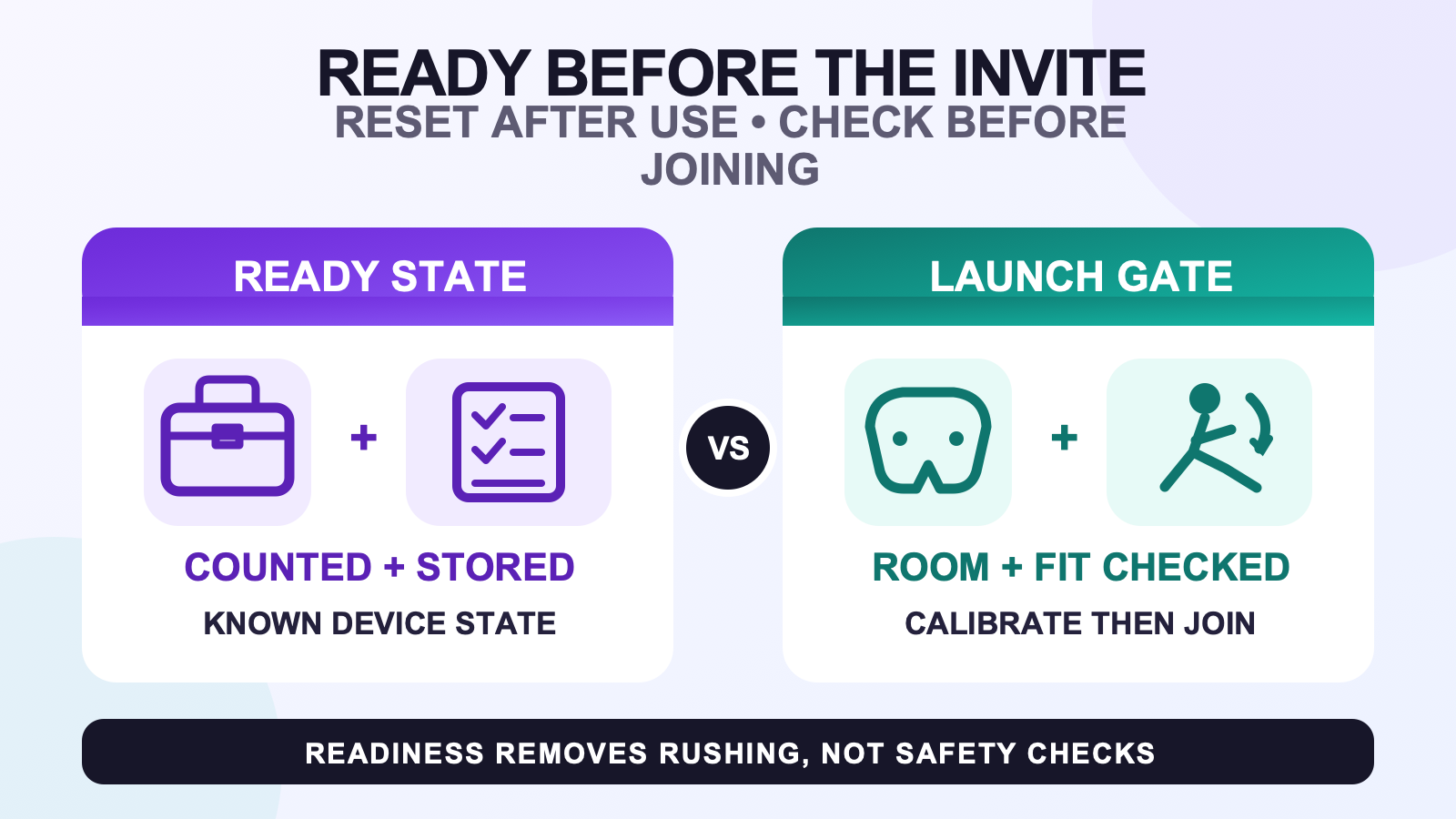
Keep FBT gear ready for spontaneous VR sessions by closing every session with a reset and opening the next one with a launch gate. The reset records what is present, dry, stored, and known about charge state. The launch gate checks the real room, device condition, secure fit, connection, assigned roles, and application calibration. Readiness should be visible, not remembered.
This article assumes you already have a known setup. If the kit has never completed a controlled first run, use the after-delivery setup checklist before optimizing for a last-minute invitation. A new or changed route needs a baseline before it can have a reliable ready state.
Use three states instead of a pile of gear
Give each tracker, strap, mount, and required cable one of three states: ready, needs action, or do not use. A ready item is present, visibly undamaged, dry where applicable, stored in its assigned place, and associated with a known charge or connection state. Needs action means a routine step remains, such as drying an approved washable strap, completing supported charging, or rechecking a role after a software change.
Do not use is different. Put a device in that state when damage affects secure use or when a lithium-ion battery shows a warning sign such as odor, color change, excessive heat, shape change, leaking, or odd noises. Those battery warning signs come from the U.S. Fire Administration. Do not turn an abnormal device into a last-minute experiment. Follow its maker’s current safety instructions.
A small readiness card can hold the state without pretending to be a live battery monitor:
| Item | State to record | What changes the state |
|---|---|---|
| Trackers | Counted, assigned, known charge or connection state | Use, supported charging, update, damage, or abnormal battery sign |
| Straps and mounts | Dry, intact, stored by body role | Active use, cleaning, visible wear, or repeated loss of hold |
| Required cables | Present, undamaged, stored outside the play area | Charging, borrowing, travel, or visible damage |
| Room | Not permanently marked ready | Always rechecked at invitation time because people and objects move |
| Software route | Last known version and working roles | Update, reset, network change, new avatar, or changed output route |
Reset after the session, not after the invitation
End in a stable, visible position. Remove the headset and trackers, count the hardware, and note anything that slipped, disconnected, felt uncomfortable, or behaved differently. Keep each device with its assigned body role. SlimeVR’s official documentation separates connection, body-role assignment, mounting orientation, and calibration, so a powered device is not automatically a ready device.
If straps are damp, do not seal them in a case and call the kit ready. Follow the applicable care instructions and the strap cleaning guide, then return them to ready only when the care process is complete and the straps are fully dry. Use the between-session storage guide for containers, separation, and storage conditions.
Record charge state using the supported indicator or application for the device. Do not invent a percentage from elapsed time. Do not assume every tracker should remain plugged in. USFA advises following product instructions for using and storing batteries, and device makers may specify different charging and storage behavior. For station layout and labeling, use the cable and charging organization guide.
Finish by placing cables outside the movement area and marking any unresolved item as needs action. A closed container is not proof of readiness. The card should show what still needs work before the next session.
Run a short launch gate when the invitation arrives
- Inspect the room. Look at the floor, reach zone, entry path, people, pets, furniture, and loose cables. Confirm the current headset play-area mode using its official instructions.
- Read the readiness state. Confirm the planned tracker count, roles, required cables, and any item previously marked needs action or do not use.
- Inspect before wearing. Check device, mount, and strap condition. Confirm the body role and mounting orientation. Use the strap placement guide for detailed fit decisions.
- Connect and verify roles. Confirm that the expected points appear in the tracking software. Do not change several roles at once just because friends are waiting.
- Calibrate in the target application. VRChat and other applications can have their own calibration and avatar layer. A connected server view alone is not the finish line.
- Test one small movement. Step, bend, and turn within the verified area before joining active movement.
This sequence may be short when the reset was complete, but no time is guaranteed. A useful routine is allowed to say not ready. The goal is to remove searching and guessing, not to skip a physical or device check.
Fail closed without losing the whole invitation
If one item fails, move it out of the ready state. Do not keep reconnecting, tightening, or charging it while standing in the movement area. Use the tracking symptom checklist from a stable, visible position. If the issue cannot be resolved calmly, join without full body tracking, use a simpler supported route, or tell friends you need more time.
A fallback is part of readiness. It prevents the social invitation from becoming pressure to wear a damaged strap, ignore an abnormal battery sign, or skip the room inspection. Record the failed step after the session so it becomes a specific repair task rather than tomorrow’s surprise.
Once movement begins, the workflow changes from readiness to safety. Use the active-session safety gate for room changes, movement staging, and stop rules.
Invalidate the ready state after meaningful changes
Rebuild the baseline after a tracker-server update, headset or application update, network change, new output route, new strap or mount, body-role change, different play area, or an avatar that requires a different calibration. Also recheck after travel. Yesterday’s ready card records history; it cannot prove that a changed route works today.
Use a calm test session for the new baseline. Confirm connection, roles, mounting orientation, calibration, and one repeatable movement. Only then return the system to ready for spontaneous use.
Keep current product facts separate from readiness
The current FBTKit configuration and included-item information can confirm what the product page presently offers. It does not establish battery life, a universal charge routine, a guaranteed launch time, or readiness for a particular room and application.
FAQ
What does ready mean for spontaneous FBT sessions?
Ready means the intended devices are counted, visibly undamaged, stored by known roles, dry where applicable, and associated with a known charge or connection state. The room, fit, live connection, and application calibration still need a fresh launch check.
Should I leave full body trackers plugged in between invitations?
Do not assume that one charging pattern fits every tracker. Follow the current instructions for the specific device, charger, and storage period. Record the supported charge state, keep charging equipment outside the play area, and never use an abnormal or damaged battery device.
Can I seal straps in a case right after an active session?
Not when they are damp. Follow the strap’s applicable care instructions, allow the care process to finish, and confirm the straps are fully dry before closed storage. Cleaning and storage methods can vary by material, so do not invent a universal wash or heat-drying method.
What is the shortest last-minute readiness check?
Inspect the real room, read the recorded device states, inspect straps and mounts, confirm connection and roles, complete the target application’s calibration, and test one small movement. Skip a step only when the official device or application process says it is unnecessary.
What should I do when only one tracker fails the readiness check?
Move that tracker to needs action or do not use, leave the movement area, and route the specific symptom. If it cannot be resolved calmly, use a simpler supported setup or join without full body tracking rather than rushing an uncertain device into the session.
Official sources
- U.S. Fire Administration battery fire safety
- SlimeVR connecting and assigning trackers
- SlimeVR mounting guidance
- VRChat full body tracking documentation
- Meta Quest Safety Center
- Meta roomscale space guidance
Official sources and linked FBTKit pages were checked on August 11, 2026. This guide does not claim a measured setup time, battery life, charge duration, storage percentage, performance gain, or universal compatibility.
