
Blog
Full Body Tracking for Streaming Dance Practice
Jul
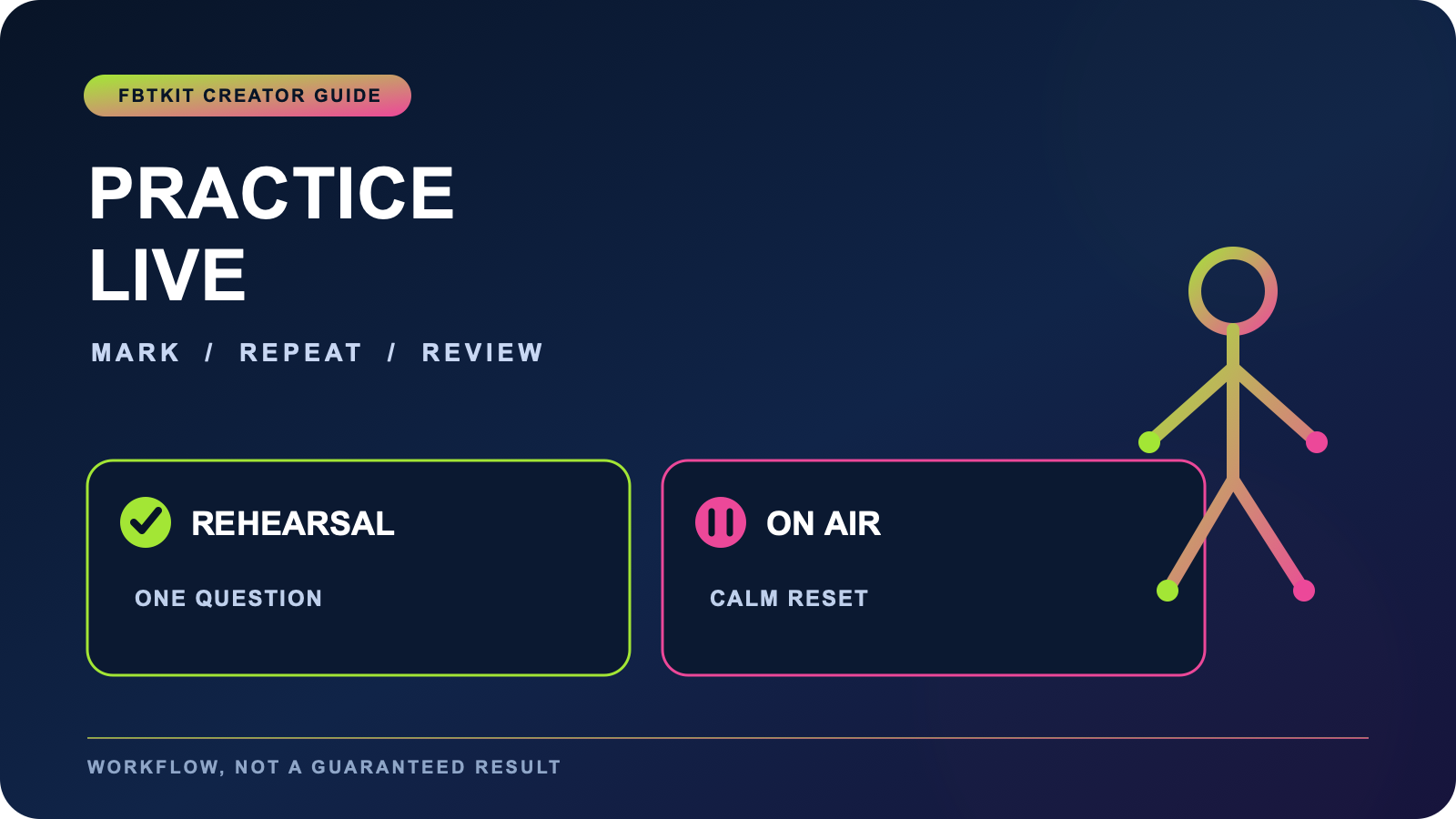
Full body tracking for streaming dance practice works best when the stream is openly treated as rehearsal, not disguised as a finished show. Tell viewers what you are practicing, keep the movement frame readable, and plan short pauses for notes or tracking checks. That structure lets the audience follow the process while you protect concentration and avoid turning every correction into an on-air emergency.
This is a practice-broadcast workflow. It is narrower than a general dance stream and different from a stream-polish checklist. If you want one session to produce both a live dance and an edited file, use the paired stream and clip guide. Here, the deliverable is a useful rehearsal that happens to be visible.
Announce one rehearsal question
Open with the specific thing you will practice: keeping foot timing through a turn, making a transition readable, or holding a final pose without rushing. One question gives viewers a reason to understand repetition. It also prevents the session from drifting into a collection of unrelated moves.
Choose a question you can observe without claiming expert instruction. “””Can I keep this eight-count readable at two speeds?””” is concrete. “””This method fixes dance tracking””” is not. Full body tracking shows an avatar response inside a particular setup; it does not certify physical technique or guarantee that a rehearsal choice is correct for every person.
Separate the warmup from the public block
Complete your basic equipment, avatar, and room checks before the practice segment begins. Use a consistent setup and calibration workflow, then make one short private recording containing the largest movement you expect to use. A warmup is not the place to improvise a new room boundary or troubleshoot five systems at once.
When the stream begins, tell viewers whether they are seeing a slow pass, a marked pass, or a full-speed attempt. These labels are more useful than pretending every repetition is a performance. If your work is specifically centered on VRChat dancing, the VRChat dancer guide covers the broader use case.
Frame the movement being practiced
Make the camera serve the rehearsal question. A foot-timing session needs visible feet and enough floor reference to read direction. A posture transition needs the waist and upper body to remain clear. Leave margin around the largest movement and keep chat, alerts, or decorative overlays away from the body area you are evaluating.
Do not spend the entire rehearsal chasing cinematic camera angles. Choose one diagnostic view and keep it stable for a block of attempts. The dedicated stream presentation guide covers framing polish, overlays, and live visual triage when presentation itself is the main problem.
Use three practice modes
A simple session can rotate through three modes: mark, repeat, and review. In the mark mode, move slowly through the sequence and name the difficult transition. In repeat mode, run the same short section two or three times without changing the camera. In review mode, pause movement, watch a short replay if available, and choose one adjustment.
| Mode | Creator action | Viewer cue |
|---|---|---|
| Mark | Walk through the sequence | “””Slow structure pass””” |
| Repeat | Run the same short section | “””Watching the turn timing””” |
| Review | Pause and choose one change | “””Resetting one variable””” |
This structure makes repetition legible without asking chat to diagnose tracking. Viewer comments can point to a timestamp or visible moment, but they are not a substitute for checking your own setup.
Prepare calm recovery language
Write two short phrases before the stream: one for a normal reset and one for ending the movement block. For example, “””I am checking the avatar and will restart this section””” is clearer than apologizing repeatedly. If a tracker is not detected or a body part stops responding, pause movement and use a structured tracking troubleshooting checklist off the dance floor.
Set a maximum troubleshooting window. If the issue remains, switch to a seated discussion, a head-and-hands segment, or end the practice block. A recovery plan protects the audience experience and keeps you from making rushed changes while physically active.
Keep the practice load visible to yourself
Streaming adds attention demands that private practice does not: chat, audio, scene control, and the feeling of being watched. Use shorter movement blocks than you might use alone. Put water and controls in a known safe position outside the active path, and stop if room awareness or comfort declines.
If other dancers will join, hand off to the group dance world guide for spacing and coordination decisions. A solo practice format should not be stretched into group advice without accounting for other participants.
Close with a rehearsal note
End by stating what changed, what did not, and what you will test next time. Keep the note factual: “””slower entry made the turn easier to read; the final pose still leaves frame.””” Do not claim the session proved accuracy or solved a technical problem unless you have appropriate evidence.
Before choosing equipment for this workflow, compare headset and software fit, room needs, charging, and current written package details on the FBTKit product page. A tracking route can support a streamed rehearsal, but the broadcast application, avatar, audio, and scene controls still require their own private check.
FAQ
How is a streamed dance practice different from a dance performance stream?
A practice stream names one rehearsal question, shows controlled repetition, and includes planned review pauses. A performance stream usually prioritizes continuity and presentation over visible correction.
What should viewers know at the start of a dance rehearsal stream?
Tell them the movement section being practiced, whether the next pass is slow or full speed, and when you will pause for review. This makes repetition understandable without asking viewers to troubleshoot.
How should I respond when tracking breaks during live practice?
Stop active movement, use a prepared reset phrase, and check one issue through a known troubleshooting routine. Set a time limit, then switch formats or end the movement block if the problem remains.
Why should a practice stream use shorter movement blocks?
Streaming divides attention among movement, chat, audio, and scene controls. Shorter blocks create safe moments to check comfort, review a pass, and choose one adjustment before continuing.
