
Blog
How Lighting and Room Layout Affect VR Full Body Tracking
Jul
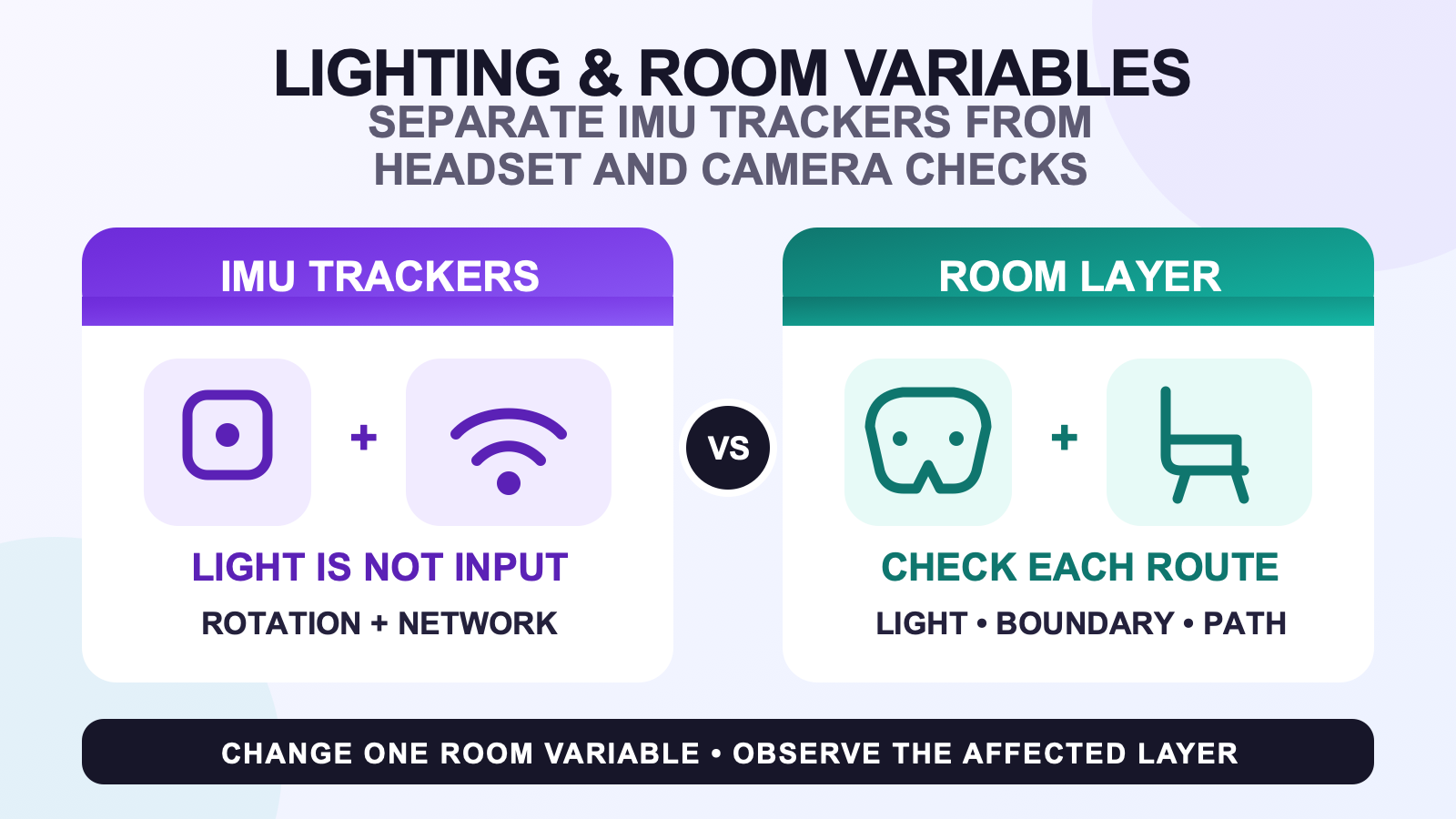
Room lighting does not directly improve or degrade the measurements made by SlimeVR-compatible IMU trackers. Those trackers measure their own rotation. Lighting can instead affect some headset, controller, or camera-based tracking routes, while room layout changes the physical movement path, headset boundary, optical visibility, and chance of bumping a worn tracker. Diagnose the layer that changed before you move lamps or recalibrate anything.
This guide is for comparing a previously workable session with a changed room. If you are arranging a compact play area for the first time, start with the small-room standing and seated route. That page owns the initial furniture, chair, cable, and usable-zone plan; this page begins after you have a repeatable position to test.
Identify which layer can react to the room
“Full body tracking” can describe several systems working together. A SlimeVR tracker measures rotation with an inertial measurement unit and sends its data to SlimeVR Server over Wi-Fi. SlimeVR says its trackers do not use cameras or base stations and cannot be optically blocked by clothing, a wall, or furniture. The server then combines the tracker data with body proportions and uses the headset as a reference point.
That last detail matters. If the headset’s own pose or boundary behaves differently after a room change, the combined avatar can look wrong even though the IMU trackers did not react to the lamp. A webcam route, an external tracking system, and a wearable IMU route also have different room dependencies. Use the matching row rather than applying one lighting rule to all of them.
| Tracking layer | What lighting can change | What layout can change |
|---|---|---|
| SlimeVR-compatible IMU trackers | Room brightness is not an input to the tracker rotation measurement. | Furniture does not optically block the tracker, but contact can move the worn device and obstacles restrict your movement. |
| Inside-out headset or controllers | Some camera-based devices have vendor-specific lighting requirements. | The physical boundary, controller visibility, and clear headset route can change. |
| Webcam or camera body tracking | Subject visibility, contrast, and exposure may matter according to the app. | Camera angle, framing, and furniture can hide body points. |
| Base-station or other external tracking | Do not assume a brighter lamp is the remedy. | Follow that system’s current placement, visibility, and reflection guidance. |
For a deeper architecture comparison, use the IMU and external-tracking method notes. If your route estimates the body from a camera image, the wearable-versus-webcam comparison keeps those requirements separate.
Capture a reference session before adjusting anything
A room test needs a known reference, not a memory that yesterday “felt better.” Use the same headset route, avatar, starting position, tracker placement, and short movement each time. The movement does not need to be dramatic. A neutral stance, slow turn, one controlled step, and a return to neutral are enough to expose a change without introducing a dance routine or a new calibration.
Record only observable conditions:
- which lamps were on and whether curtains were open or closed;
- the play position, headset boundary, chair position, and camera position if one is used;
- which layer showed the symptom: headset view, controller, webcam skeleton, external tracker, or worn IMU tracker;
- whether any desk, chair, clothing edge, or cable touched a tracker during the movement;
- the exact movement and the point at which the result changed.
Do not change body proportions, mounting direction, Wi-Fi settings, room layout, and lighting in the same run. A comparison with five new variables cannot tell you which one mattered.
Test a lamp change against the affected layer
Begin with the setup that most recently worked. Repeat the reference movement once. Then change one lighting condition, such as closing the curtain or switching one lamp. Repeat the same movement from the same place. If the headset or camera route changes while the SlimeVR devices remain connected and physically stable, the evidence points to that optical or reference layer, not to light changing the IMU sensor.
If the room becomes too dark to see an obstacle, stop regardless of the tracking result. Visibility for the person is a separate requirement from tracker technology. Keep the headset’s current boundary enabled and follow the headset or camera vendor’s documentation; there is no universal lamp position or lux number that applies to every device.
Quest users can continue with the Quest headset compatibility path when the symptom belongs to the headset, controller, or boundary layer. A room-lighting result should not be rewritten as a claim about every Quest model or every camera system.
Read furniture moves as path and visibility changes
Moving a chair or desk can change a session without optically blocking an IMU tracker. The new position may narrow a turn, move the headset boundary, hide a controller or body point from a camera, change an external tracker’s view, or press against a tracker during sitting. Each is a different cause.
Run the reference movement without the headset first. Look for contact at the waist, thigh, ankle, and foot, and confirm that a chair wheel or cable does not enter the step route. Then repeat with the headset and the current boundary. If a webcam is part of the setup, check its frame separately. If an external tracking system is present, use its own placement guidance rather than assuming that the SlimeVR no-camera rule applies.
Room layout also changes what movements are sensible. A narrow route may support controlled standing and seated social VR but not a wide step. Reducing a movement to fit the cleared area is a room decision, not a tracker-quality adjustment.
Run one controlled comparison
- Return the room to the last known workable lamp, curtain, chair, and play-position state.
- Use the same headset route, avatar, worn tracker positions, and short reference movement.
- Name the affected layer before changing anything.
- Change exactly one lighting or layout variable.
- Repeat the same movement from the same neutral position.
- Record whether the symptom appeared in the headset, controller, camera skeleton, external tracker, IMU tracker, physical fit, or movement path.
- Restore the original condition and repeat once. A result that disappears when restored is more useful than a one-time impression.
- If the environment does not reproduce the symptom, stop changing the room and continue with the system-specific workflow.
This comparison does not prove laboratory-level causation, but it prevents the most common reasoning error: seeing that a lamp and an avatar changed during the same session and assuming the lamp altered every tracker.
Send each result to its real owner
| Controlled-test result | What it supports | Next route |
|---|---|---|
| Only the headset, controller, or boundary changes with the lamp | A headset/reference-layer issue is more plausible than an IMU-lighting issue. | Use the headset vendor guidance and the relevant compatibility page. |
| A webcam skeleton changes with exposure or framing | The camera route is reacting to visibility or composition. | Use the webcam method guide and that app’s current documentation. |
| A chair or desk touches a worn tracker | The room changed physical fit or the movement path. | Restore clearance and repeat the wear check before calibration. |
| An external tracker loses visibility after furniture moves | That system’s placement or visibility route changed. | Use its official installation guidance. |
| No room variable reproduces the problem | The evidence does not support an environmental cause. | Use the broader symptom triage and then the setup and calibration sequence. |
Document the room before comparing hardware options
Write down the headset route, whether a camera or external system is present, the reference movement, and the room conditions that passed the controlled check. Then review the current FBTKit tracker options and setup notes against that real workflow. The product page cannot replace the separate headset, boundary, or camera requirements in your room.
FAQ
Can a dark room change the rotation data from a SlimeVR-compatible IMU tracker?
No. Room brightness is not an input to the IMU rotation measurement. A dark room may still affect a headset, controller, or camera-based layer, so identify which device reports the symptom.
Why can the avatar look wrong after a lighting change if the IMU trackers do not use light?
SlimeVR combines tracker data with body proportions and uses the headset as a reference point. If the headset or another camera-based layer changes, the combined avatar can look different without light altering the IMU trackers.
What can furniture change when an IMU tracker cannot be optically blocked?
Furniture can narrow the movement route, shift the headset boundary, hide a controller or camera-tracked body point, or physically press a worn tracker. Those effects are different from optical occlusion of the IMU device.
How do I test whether one lamp caused a VR tracking change?
Repeat one short reference movement with the last known workable lighting, change only that lamp, repeat from the same position, then restore the original state. Record the affected device layer instead of judging the whole avatar at once.
When should I stop changing the room?
Stop when restoring and changing one room variable does not reproduce the symptom. Keep the room stable, then use the setup or troubleshooting path for the specific headset, controller, camera, external tracker, network, fit, or calibration issue.
Official sources
- SlimeVR: official product and system Q&A
- SlimeVR Docs: Quick Setup
- Meta Quest Help: Set up your boundary
Official sources were checked on August 10, 2026. This guide does not define a universal lighting level, room size, or first-hand FBTKit room test.
