
Blog
Full Body Tracking FAQ for VRChat and Social VR
Jul
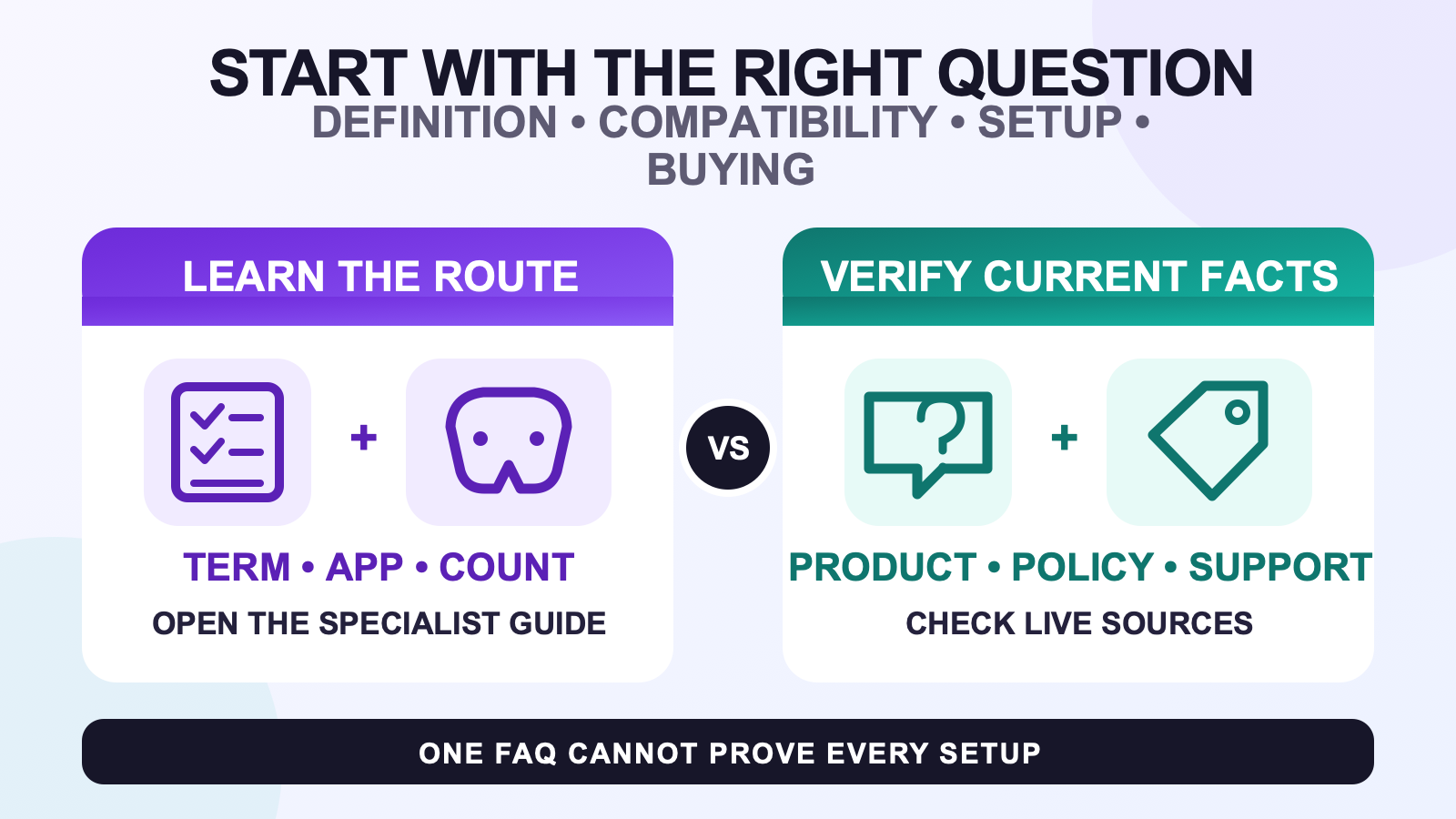
This full body tracking FAQ is a routing page for VRChat and social VR questions. Start by naming the type of problem: definition, compatibility, tracker count, setup, placement, cost, or current kit details. The short sections below point to the page that can answer it without mixing several decisions together.
A single FAQ cannot verify every headset and app combination or keep volatile product facts current. Use it to find the page that answers the missing fact. If your route is unusual, write the exact headset, app, connection path, tracker system, and missing fact before contacting support.
Use the definition route for category questions
Full body tracking adds tracked body points beyond the headset and hands so an avatar can use more information about posture or lower-body movement. That definition does not prescribe a tracker count or promise support in every app.
Read what full body tracking means in VR when you want to understand the category, who may benefit, and why some routines work well with head and hand tracking alone. Use that foundation before comparing products.
Use the compatibility route for “will it work”
Compatibility needs a complete path. Record the headset, PCVR or standalone route, destination app, tracker output, server or receiver, network, and gear already owned. A broad label such as “Quest compatible” or “works with SteamVR” cannot replace those details.
The compatibility checklist turns the route into a support-ready question. If VRChat is the destination, its exact PCVR or standalone documentation must agree with the tracker method.
Use the tracker count route for body-point planning
Choose quantity after the app route is supported. Write the body points you want to represent and the movement that needs them. A larger count is not automatically useful when the setup guide does not cover the planned layout or the user will not wear the additional points.
The tracker count guide handles that decision. It separates a defined movement goal from the temptation to use quantity as a quality score.
Use setup pages for repeatable session work
A supported route can still fail when devices are not charged, roles are swapped, mounting orientation is wrong, the network is incomplete, or calibration begins before the physical setup is stable. Fix one stage at a time.
Start with the setup and calibration workflow when the whole sequence is unclear. Use the strap placement checklist when the question is the wear order and pre-calibration physical check. Those pages have different jobs.
Use cost and value pages before checkout
Current price belongs on a dated product or cost page, not in a permanent FAQ answer. Check the current full body tracking cost guide for the store’s present option structure. Then use the worth-it decision guide to compare that expense with your session frequency and movement goal.
Cost and value are not the same question. A lower price does not confirm compatibility, included accessories, support, or a routine you will use. A higher tracker count does not guarantee a better result.
Use live sources for product facts
Package contents, selected options, price, stock, shipping, and policies can change. Use the current product page and policy pages when those facts affect the decision. A photo or an older article is not a reliable substitute for an explicit included-item list.
If the live source still does not answer the route, send support one concise message. Include the exact headset, app path, tracking method, planned quantity, country when shipping matters, and the unanswered fact. Do not ask only “is this compatible?”
Follow this question-routing order
- Define the missing movement or problem.
- Confirm the headset and destination-app route.
- Choose the tracking method and list every dependency.
- Select body points and tracker count.
- Review the setup and calibration routine.
- Check current product facts and policies.
- Send support the unresolved detail.
This order keeps a product question from hiding a compatibility problem. It also prevents a setup symptom from turning into a new-hardware recommendation before the cause is known.
Keep a small note beside the headset with the route you actually use. Include the app version only when it affects the documented steps, plus the server device, tracker roles, and the last setup stage that worked. When a problem appears, update one line instead of rebuilding the story from memory. That note also makes a support request easier to read because it separates known facts from the part that still needs an answer.
If advice from a forum or video conflicts with current documentation, follow the exact product and app sources for your route. Another user’s successful setup can suggest a question, but it does not prove that your hardware, software, or network combination is supported.
Check current kit details at the source
The FBTKit SlimeVR-compatible full body tracking kit page is the live source for current options and included parts. Use this FAQ to reach the correct guide, then verify the product page again before checkout.
FAQ
Where should I start if I only know the term FBT?
Start with the category explainer. It defines the additional body points, shows what they can add beyond head and hand tracking, and helps you decide whether the category fits your routine.
Which guide handles a headset-specific compatibility question?
Use the compatibility checklist with the exact headset, app, PCVR or standalone route, tracker output, server or receiver, network, and existing gear.
Where can I compare tracker counts without guessing?
Use the tracker count guide after compatibility is confirmed. Choose body points for a defined movement goal instead of treating the largest quantity as the default.
Which page should I use for a setup problem?
Use the setup and calibration workflow for the whole sequence. Use the strap placement page when the problem is limited to wear order, assigned roles, mounting orientation, and pre-calibration checks.
Where are current price and package details checked?
Check the current product page for live options and included parts, and use the dated cost guide for price structure. Recheck both before checkout because those facts can change.
How do I ask FBTKit about an unusual setup?
Send the exact headset, destination app, connection route, tracker system, server or receiver, planned quantity, and the one fact that current documentation does not answer.
