
Blog
How to Calibrate Full Body Tracking for Tall or Short Avatars
Jul
Quick answer: calibrating full body tracking for tall or short avatars works best when you separate three things: your real body posture, the avatar’s proportions, and the session outcome. Test one avatar at a time, use a repeatable stance, and judge whether the avatar reads well in VRChat rather than chasing a perfect universal setting.
Avatar height changes how full body tracking feels. A tall avatar can make steps look long or hips feel different. A short avatar can make crouches, seated posture, or foot contact look unusual. Stylized proportions can exaggerate small setup errors. None of that means full body tracking is unusable; it means calibration needs a more deliberate preview.
This guide is for VRChat and social VR users who switch between avatars, test creator models, or use characters that do not match their real body closely. The goal is to make each avatar believable enough for the session: roleplay, hangouts, photos, dance clips, or body-language checks.
Think in terms of audience perception. Other players see whether the avatar feels grounded, readable, and comfortable, not whether every proportion maps perfectly to your body.
Do Not Calibrate Every Avatar The Same Way Blindly
A routine can be consistent without being careless. Use the same preparation steps, but preview each avatar’s outcome. A tall avatar may need different attention to stride and foot contact. A short avatar may need closer seated checks. A stylized avatar may need extra attention to hip and knee appearance.
Start from a natural stance, not from an exaggerated pose. If you change your real posture to force the avatar into shape, the session may feel strange once you start moving normally. Let the test reveal what the avatar does with your ordinary body language.
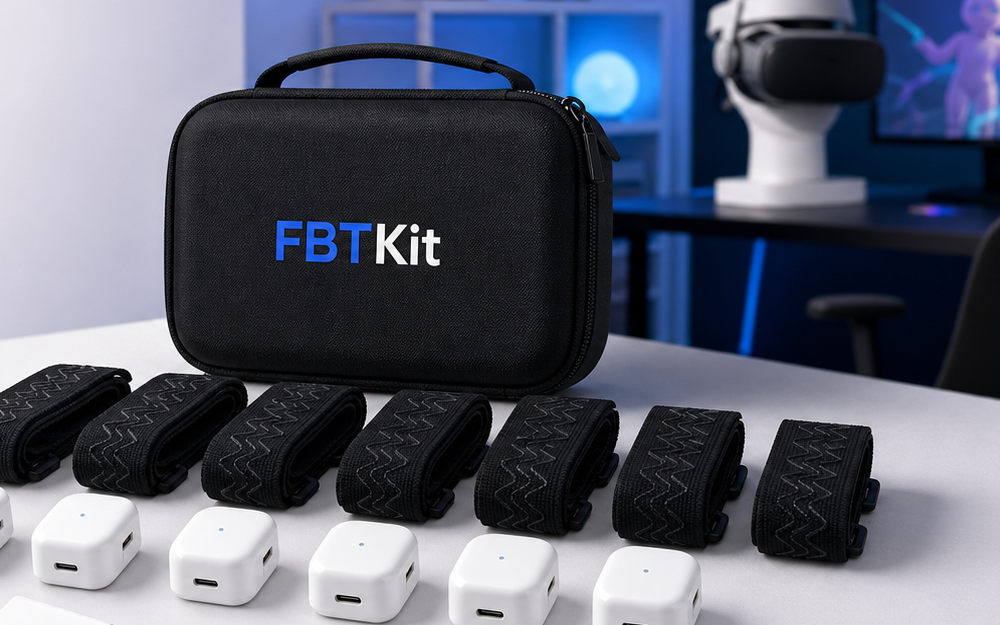
For current kit information, review the FBTKit Core Full Body Tracking Kit. The FBTKit homepage can help if you are still mapping the broader use case.
Test Feet, Hips, And Sitting
For tall and short avatars, focus on three checkpoints: feet, hips, and sitting. Feet show whether the avatar feels grounded. Hips show whether movement reads naturally. Sitting shows whether the avatar can handle common social VR situations without looking awkward.
Run the same test for each avatar: stand neutral, step once, turn, sit, lean, stand, and hold a simple pose. If only one avatar looks wrong, the issue may be avatar-specific. If every avatar looks wrong, return to straps, room, and calibration basics.
Watch Foot Contact On Tall Avatars
Tall avatars can make foot contact more noticeable because stride and leg length appear larger. If feet slide or float, check whether the issue appears immediately or after movement. A placement or calibration issue may look exaggerated on a tall avatar even if it was subtle on a closer-height avatar.
Use slow tests first. Step forward, return to neutral, turn, and hold a stance. If the feet look grounded during slow movement but poor during dance, the issue may be movement intensity, strap shift, or room limits rather than avatar height alone.
Check Seated Posture On Short Avatars
Short avatars can make seated posture feel different, especially in social rooms with chairs, tables, or camera angles designed around other proportions. Test whether the avatar looks relaxed, whether feet appear grounded, and whether standing up returns to a believable posture.
If the avatar looks fine standing and wrong seated, inspect chair contact and strap shift. The problem may not be height by itself. It may be how the chair changes your real body position while the avatar tries to match a different proportion.
Use The Session Goal As The Standard
A roleplay avatar needs readable posture. A dance avatar needs movement that holds up through steps. A photo avatar needs strong poses from camera angles. A casual hangout avatar may only need comfort and believable stillness. The best calibration result depends on what the avatar is for.
Do not spend an hour tuning a tiny detail that no one will notice in the actual session. Also do not ignore obvious foot slide if the session is a dance clip. Use the outcome to decide when the setup is ready.
Ask Specific Avatar Questions
If you need help, use the contact page with avatar context: tall, short, stylized, seated use, dance use, roleplay use, or creator testing. Include headset, app route, room, and whether the issue appears on multiple avatars.
Before ordering, review the shipping policy and refund and returns policy if your decision depends on timing, fit, or comfort testing.
Review FBTKit For Avatar Testing
Open the current product page when comparing full body tracking for tall avatars, short avatars, VRChat roleplay, dance clips, and creator review.
FAQ
Do tall avatars need different calibration?
They may need closer preview of foot contact, stride, and hip movement. Use the same routine, but judge the tall avatar’s actual outcome.
Why does a short avatar feel strange when seated?
Chair height, avatar proportions, foot contact, and waist angle can all look different. Test seated posture before joining a long social session.
Should I change my real posture to fit the avatar?
Use a natural posture first. Forcing an exaggerated calibration pose can make normal movement feel worse after the session starts.
How do I know if the issue is avatar-specific?
Test another avatar from the same starting spot. If only one avatar behaves badly, focus on avatar proportions and session fit.
What should I include in an avatar support question?
Include avatar height or style, use case, symptom, headset, app route, room layout, and whether other avatars show the same issue.
