
Blog
VR Full Body Tracking Compatibility Checklist
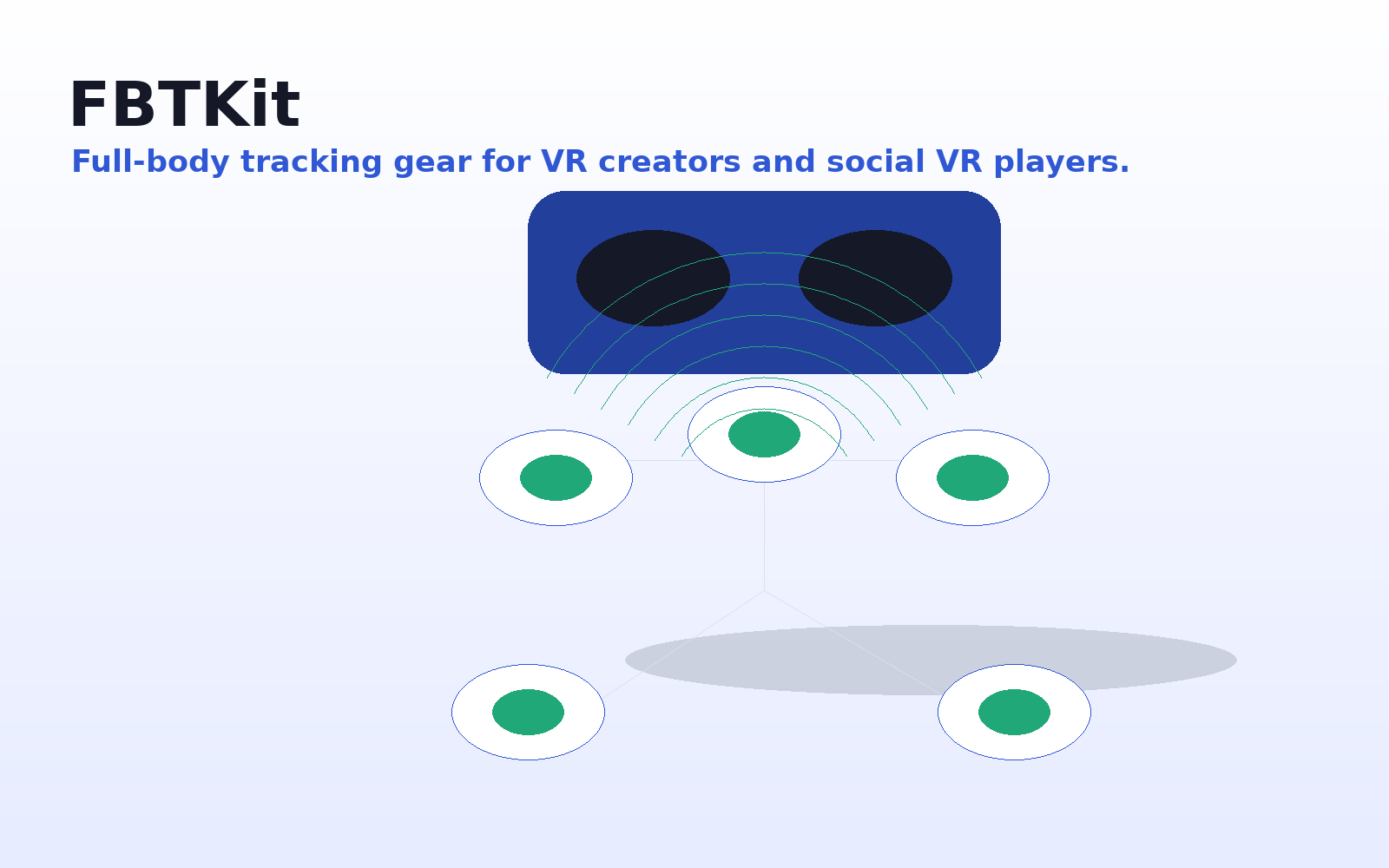
Jul
Quick answer: a VR full body tracking kit is compatible with your setup only when the headset path, app workflow, tracker count, body placement, straps, charging routine, calibration steps, and room layout all fit together. Do not treat compatibility as one yes-or-no label. Treat it as a buying checklist you complete before checkout.
Full body tracking sits between hardware, software, your body, and your room. A kit may look simple in product photos, but you still need to know how it connects, where each tracker is worn, and what setup steps you will repeat before every session.
Use this guide before buying any VR full body tracking setup, including the FBTKit Core Full Body Tracking Kit. The goal is a practical pre-purchase decision, not a vague feature comparison.
Start With Your Real VR Path
The first compatibility question is not “Does this work with VR?” It is “Does this work with the way I enter VR?” Write down your headset, controllers, computer or standalone route, connection method, and the app where you want body tracking to appear. If you sometimes play wired and sometimes wireless, note both paths.
This matters because a seated social VR user, a dancer, a streamer, and an avatar creator may all need different levels of setup time, comfort, and repeatability. The right kit is the one that fits your normal routine, not an ideal routine you will rarely follow.
Headset Compatibility Checklist
Confirm the headset side before comparing prices. You are looking for a clear match between your actual headset route and the product’s current setup information.
- Write down the exact headset model and how you normally connect it.
- Check whether your route is described clearly on the product page.
- Note whether the setup depends on extra software, a PC, pairing, or calibration.
- Confirm whether your controllers remain part of the workflow.
- Do not assume that one headset family means every connection path is covered.
If the headset answer is unclear, pause before buying and ask support first.
App And Social VR Checklist
The app is the second gate. Many people buy full body tracking for social VR, dance worlds, roleplay, content recording, or avatar testing. Those use cases are close, but not identical.
- Name the main app you care about most and check that app first.
- Look for current setup instructions, not assumptions from another user’s routine.
- Ask whether calibration is needed every session, after sleep mode, or after changing avatars.
- Check whether seated play, standing play, and dancing are handled differently.
- If you stream or record, confirm how you will test tracking before going live.
Buy only when your app path is clear enough to repeat without stress.
Workflow Checklist: Setup Time And Calibration
Compatibility includes the routine you will tolerate. A kit can fit your hardware and still be a poor fit if the setup process feels annoying.
- Where will the trackers live when not in use?
- Can you put them on in the same order every time?
- Do you know how to pair, wake, or check each tracker before entering VR?
- Can you perform a quick calibration check before joining a public room?
- Do you have a simple recovery step if one tracker seems misplaced or rotated?
The best setup becomes a habit: charge it, wear it, check it, calibrate it, join the session.
Tracker Count And Body Placement Checklist
Tracker count affects both movement expression and setup effort. More tracked points can sound appealing, but each extra wearable point may add charging, placement, pairing, comfort, and troubleshooting.
- Check the number of trackers included in the kit, not just the product name.
- Look for placement guidance for waist, feet, legs, or other intended body points.
- Confirm whether straps, mounts, cables, or accessories are included or separate.
- Match the setup to your movement: seated hangouts, standing, dancing, recording, or avatar testing.
- Decide whether you prefer a simpler routine or are comfortable managing more wearable pieces.
A casual user may value quick setup. A dancer may accept more setup work. A creator may prioritize repeatability from one session to the next.
Strap And Wearability Checklist
Straps are easy to overlook until they become the reason you stop using the kit. A compatible tracker must stay where it belongs while you sit, stand, turn, step, crouch, lean, or dance.
- Check how each tracker attaches to the body.
- Look for clear worn-position photos, not only product-only photos.
- Consider the clothing you normally wear: socks, shoes, shorts, sweatpants, jeans, or layers.
- Think about adjustability if more than one person may use the kit.
- Ask about strap details before buying if sizing or heavy use matters.
For long sessions, small comfort issues become big. A strap that rotates, slides, pinches, or needs constant adjustment can break immersion quickly.
Charging And Storage Checklist
A kit that is often out of power is not compatible with your life, even if the hardware and app path are right. Charging should fit your session rhythm.
- Check how many items need charging before a session.
- Look for cable or charging accessory details on the product page.
- Confirm how you will tell whether each tracker is ready.
- Store trackers, straps, and cables together.
- Create a habit: charge after use, check before VR, then put everything back together.
Do not invent battery expectations from another product. Use the current product information, and ask support if charging details are missing.
Room Setup Checklist
Your room is part of compatibility. A small bedroom, desk corner, living room, dorm room, and dedicated play space all create different limits.
- Clear the floor area where your feet will move.
- Check chair legs, desk edges, cables, rugs, doors, and anything you might kick or trip over.
- Plan for seated and standing positions if you switch between both.
- If you dance, check floor safety and strap security during repeated steps.
- If you share the room, decide whether setup and cleanup need to be fast.
Judge the room you really use, not the perfect version of it. The kit should fit furniture, cables, limited space, and cleanup needs.
Pre-Purchase Decision: Buy, Wait, Or Ask
Buy when your headset route is clear, your main app workflow is understandable, the included items match your expectations, the body placements make sense, the straps look usable for your session style, charging fits your habits, and your room supports the movement you want.
Wait when you cannot tell what is included, cannot confirm your headset or app path, do not know where the trackers are worn, have no charging plan, or realize your room is too tight. Waiting simply means the buying decision needs one more answer.
Ask support when your setup is specific: “I use this headset route, this app, and mostly seated sessions. What should I confirm?”
Check The FBTKit Product Path
Review tracker views, body placement, kit contents, price, shipping, returns, and support before checkout.
FAQ
Is VR full body tracking compatibility only about the headset?
No. Headset support matters, but app workflow, body placement, straps, charging, room setup, calibration, and support access also matter.
What should I check if I mainly use social VR apps?
Check the app you use most, the way you enter VR, the movement style you care about, and whether setup steps are clear enough to repeat.
How many trackers should I buy?
Start by checking what the kit includes and what body points you actually need. The right tracker count depends on your app workflow, movement style, setup patience, comfort needs, and charging routine.
Can I use full body tracking in a small room?
It depends on your movement. A small room may be reasonable for seated sessions or light standing movement, but it may feel limiting for dancing, fast stepping, or performance recording. Inspect your real floor space before ordering.
What strap details matter most?
Look for placement clarity, adjustability, comfort, and security during your normal movements. If you plan long sessions, shared use, or dance-style movement, strap questions become more important before checkout.
When should I contact support before buying?
Contact support before ordering if your headset route, app workflow, included items, strap sizing, charging routine, room setup, shipping, or return questions are unclear.